Full-stack engineering studio / dispatch desk

Make the next release legible.

Wunexadri pairs product thinking with rigorous engineering. We turn uncertain digital work into an operating route: what to make, how it connects, and how the release moves through the room.
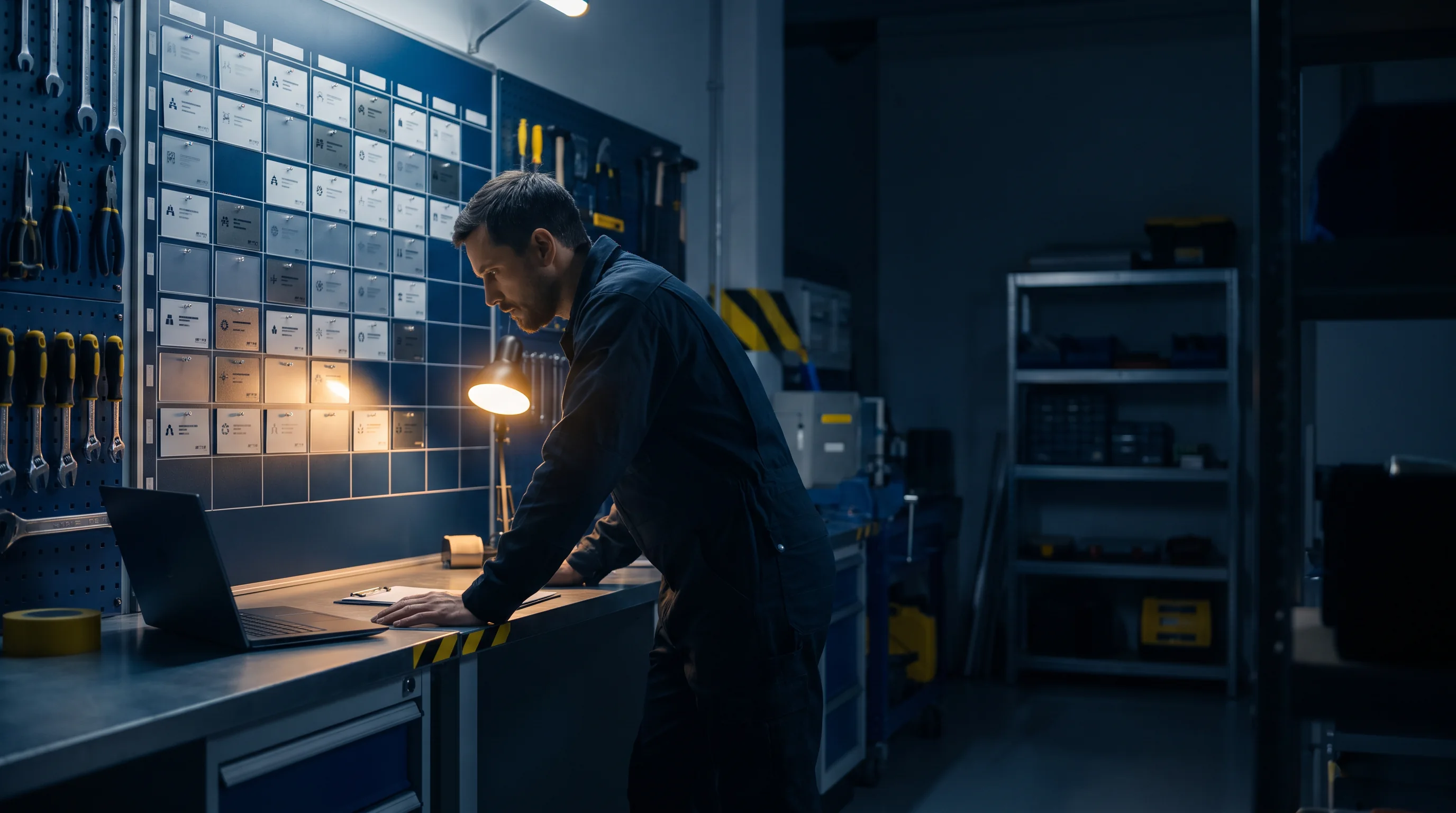
Engineer reviewing a dispatch wall in a workshop
Release deskProduct, interface, systems, and handover on one visible board.
Dispatch desk
Open brief
Working surface
Product + system
Release posture
Inspectable
Contact route
01 / BUILD ROUTES

Choose the shape of the work.

Not every request needs the same route. Start with the condition you are in; the dispatch board will show the kind of engineering conversation it opens.

Route 01 / New release

From signal to first usable surface.

For a product idea that needs a credible first route, we frame the useful slice, map the service edges, and build a release that can be handled after launch.

  • Brief → product decision
  • Interface → working flow
  • Release → clear handover
Route this brief
Team mapping a new release
INPUTBUILDRELEASE
02 / DELIVERY LANES

One desk. Three clear lanes.

We work across the seams that tend to slow release work: deciding what matters, making it usable, and fitting it into the technical reality around it.

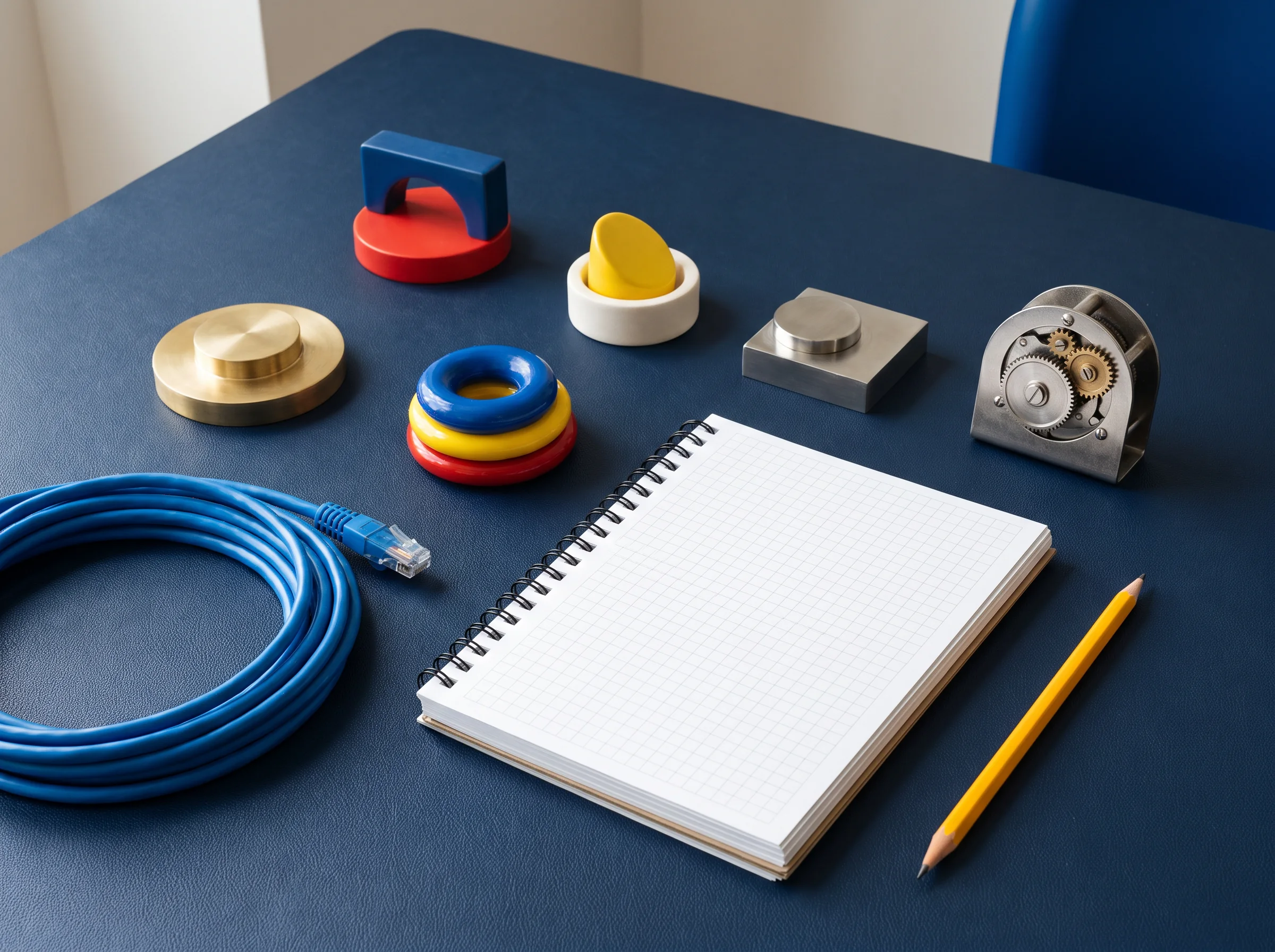
Components and notebook on a worktableLANE / A

Product frame

Clarify the job, constraints, and next decision before complexity spreads. The output is a shared operating brief, not a decorative document.
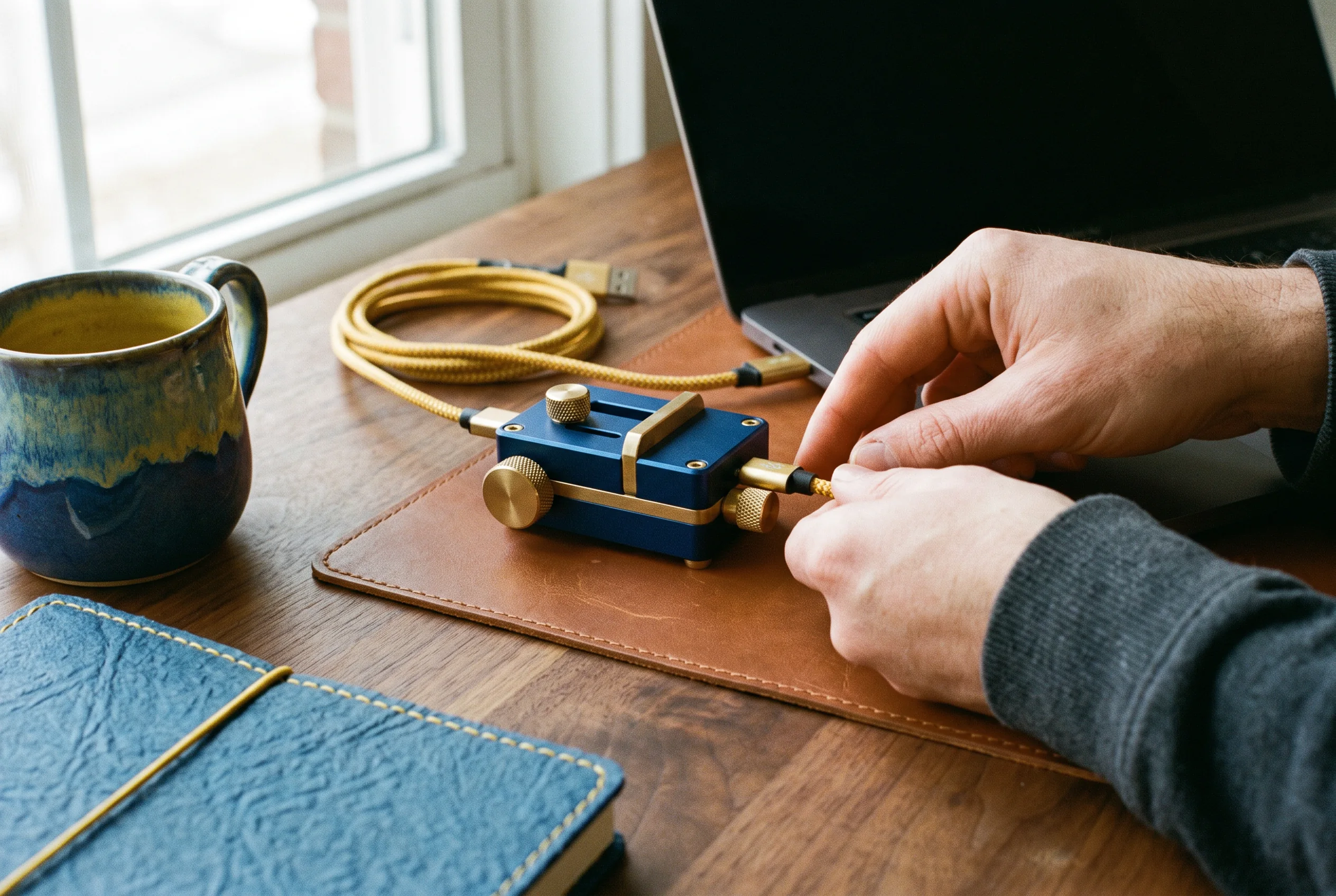
Hands assembling a small technical deviceLANE / B

Useful surface

Design and build the interface around real tasks, states, and edge cases. Every screen should have a reason to exist and a system behind it.
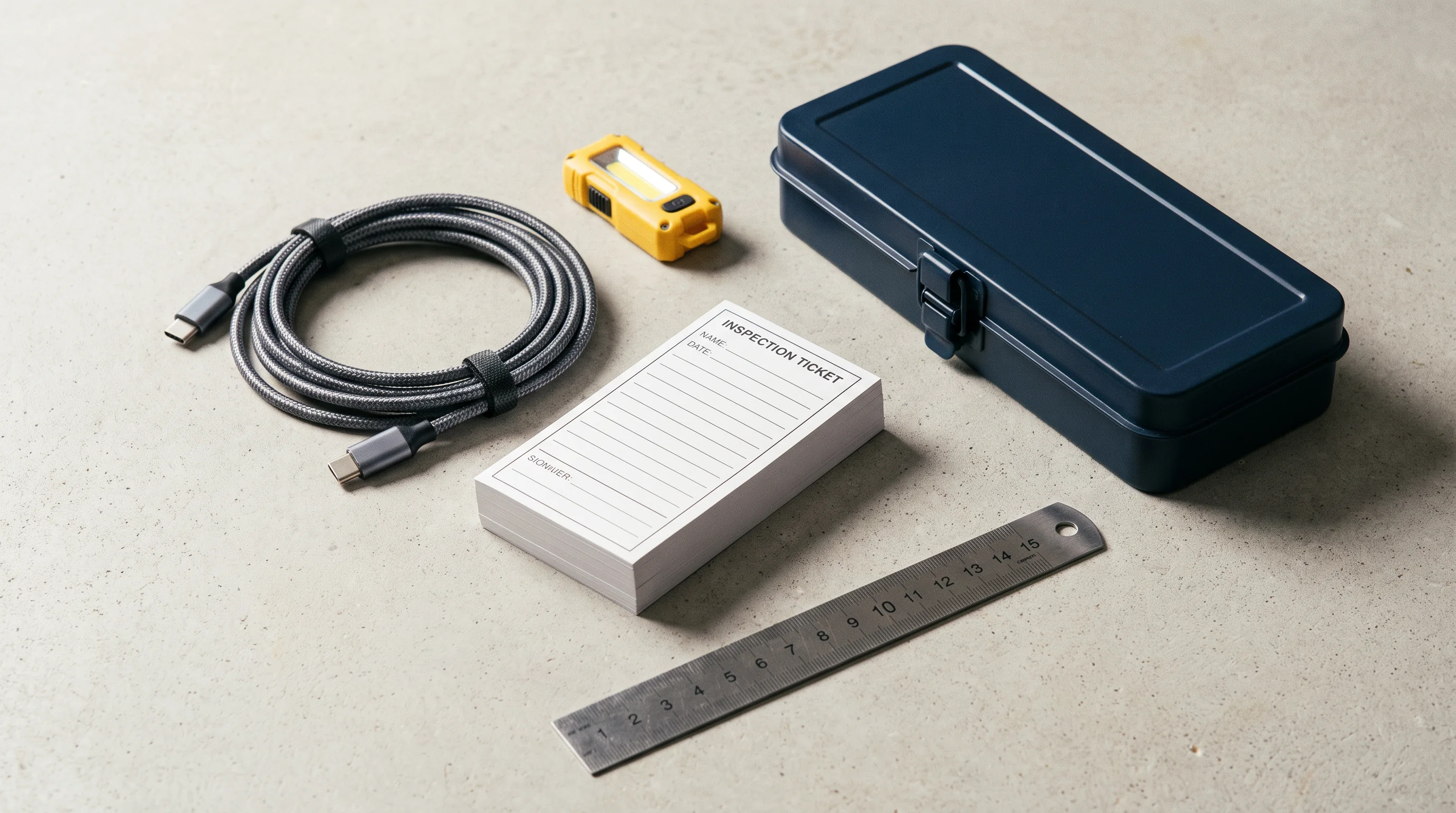
Technical kit and measuring toolsLANE / C

Release fit

Connect the work to the systems that support it. We make assumptions, ownership, and release steps visible so handover is less of a cliff.

03 / WORKING MODEL

Work in short, inspectable loops.

The dispatch board is a way to keep decisions close to the evidence. It is deliberately plain: a shared route, a working surface, and recurring moments to look together.

01 / ALIGN

Read the terrain

We begin by naming the present condition: people involved, workflows affected, technical boundaries, risks, and the decision that will move the work forward.

02 / ASSEMBLE

Make the useful slice

We bring product, interface, and implementation together early. That keeps the build close to the real operating context instead of a separate design lane.

03 / RELEASE

Leave a readable trail

Before a handover, we document the decisions, paths, and practical next checks. The next person should be able to pick up the signal without guessing.

04 / COLLABORATION GUIDE

Bring the right material. We will make it usable.

A useful partnership does not depend on a perfect brief. Bring what exists, say what is uncertain, and we will set up a rhythm that your team can actually use.

Collaborators gathered around a technical workbenchWORKSHOP / SHARED SURFACE

How we keep the room connected.

We choose a light but deliberate communication pattern. It creates enough structure for decisions without turning the work into a reporting exercise.

AOne source of truthA current decision log and release board, readable by every contributor.
BWorking reviewsShort sessions around real builds, not a delayed parade of polished artifacts.
CNamed interfacesClear points for feedback, technical questions, and ownership changes.
DHand-off cuesRelease notes that explain what changed, what remains, and where to look next.
05 / PROOF BOARD

Artifacts, not applause.

We do not publish borrowed customer stories or fabricated scorecards. Instead, here is the material language we use to make digital work concrete, shared, and ready for its next decision.
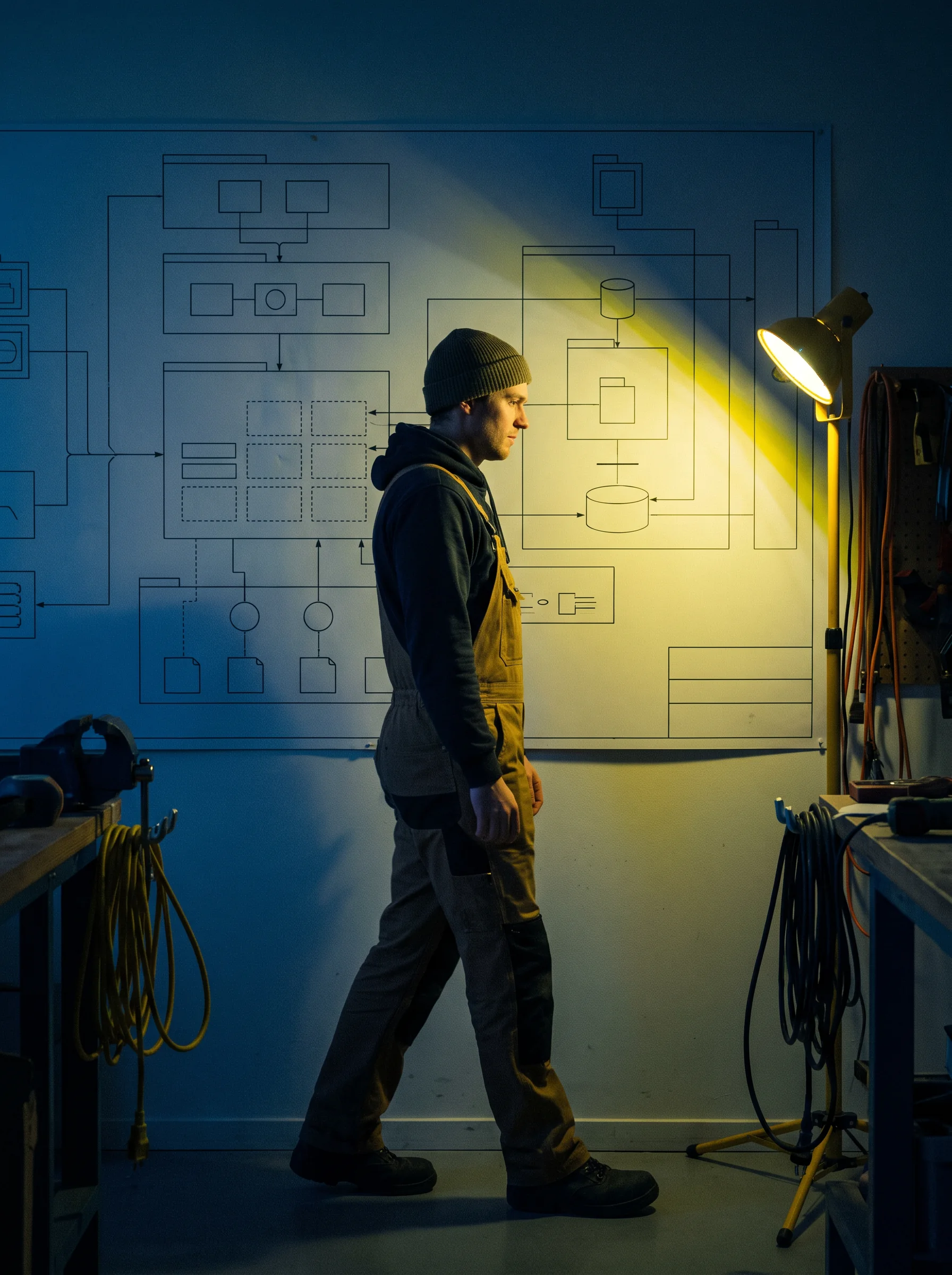

Engineer walking past an illuminated system sketch
01 / SYSTEM WALKTrace the route before changing it.
Engineer reviewing notes at a desk
02 / REVIEWKeep the questions close.
People reviewing notes beside a workshop board
03 / ALIGNPut the decision on the wall.
People seen moving behind frosted glass
04 / FLOWMake movement visible.
Team at a worktable beneath workshop lamps
05 / TABLEBuild where people can see.

The board is an operating device: routes, open questions, interfaces, and release cues arranged so the whole team can inspect the work.

06 / SCENARIO SWITCHBOARD

Test the working posture.

Switch between common release situations. This small simulator shows the kind of conversation we would start—not a promise of a pre-packaged answer.

Scenario readout

Start with the signal.

The direction is promising, but the useful first release has not been named. We create a small route that tests the real decision.

01Locate the people and moment that matter.MAP
02Choose one surface worth making tangible.FRAME
03Set an inspection point for the working release.CHECK
07 / FIELD QUESTIONS

Before you open a brief.

Four practical questions that come up at the dispatch desk. If yours is different, send it through; a clear question is useful material.

A good fit is work that needs both product judgment and technical care: a new internal tool, a customer-facing service, a complicated workflow that needs simplifying, or an existing system that has become difficult to change. The important part is a real decision to make, not a perfectly finished requirements document.

No. A partial brief, a rough map, a stack of notes, a prototype, or a clear description of the recurring problem can all be useful starting points. We will help separate the knowns from the unknowns, then agree on the smallest next route that gives the team something concrete to inspect together.

We work alongside the people who hold product context and technical context. That may mean joining an existing rhythm, creating a lightweight shared board, or arranging focused reviews around a working build. We make assumptions explicit, name interfaces early, and leave practical notes so the work remains intelligible after a particular meeting ends.

Your browser does not transmit this form anywhere. It simply confirms that you can use the details as a drafting prompt, then you can send your preferred message directly to [email protected]. In that message, tell us what is changing, who is involved, what is currently difficult, and what decision you need help making next.
08 / OPEN A BRIEF

Put the work on the dispatch desk.

Use this browser-only form to shape a useful first note. No message is sent from this website. For direct contact, use the email route below.

[email protected]

This is a browser-only form. It does not submit information to a server or send an email.

Dispatch note prepared in your browser. No information was sent. To continue, email [email protected] with the details you entered.
ROUTE / EMAIL[email protected]
DESK / FOCUSProduct + systems
POSTURE / RELEASEClear next moves